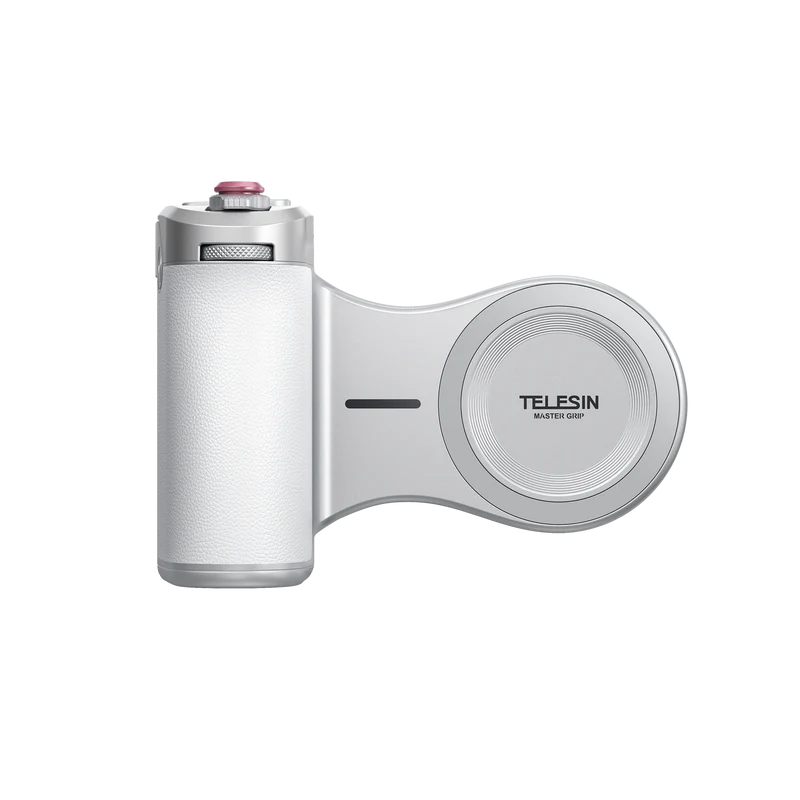
TELESIN Magnetic Pro Shot Imaging Camera Grip – flagship phone grip for leading smartphone models
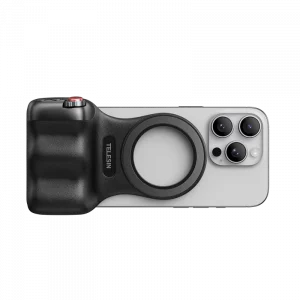
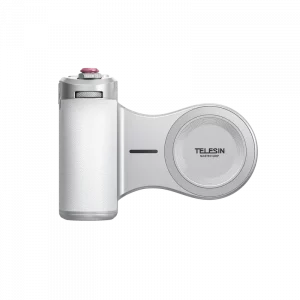
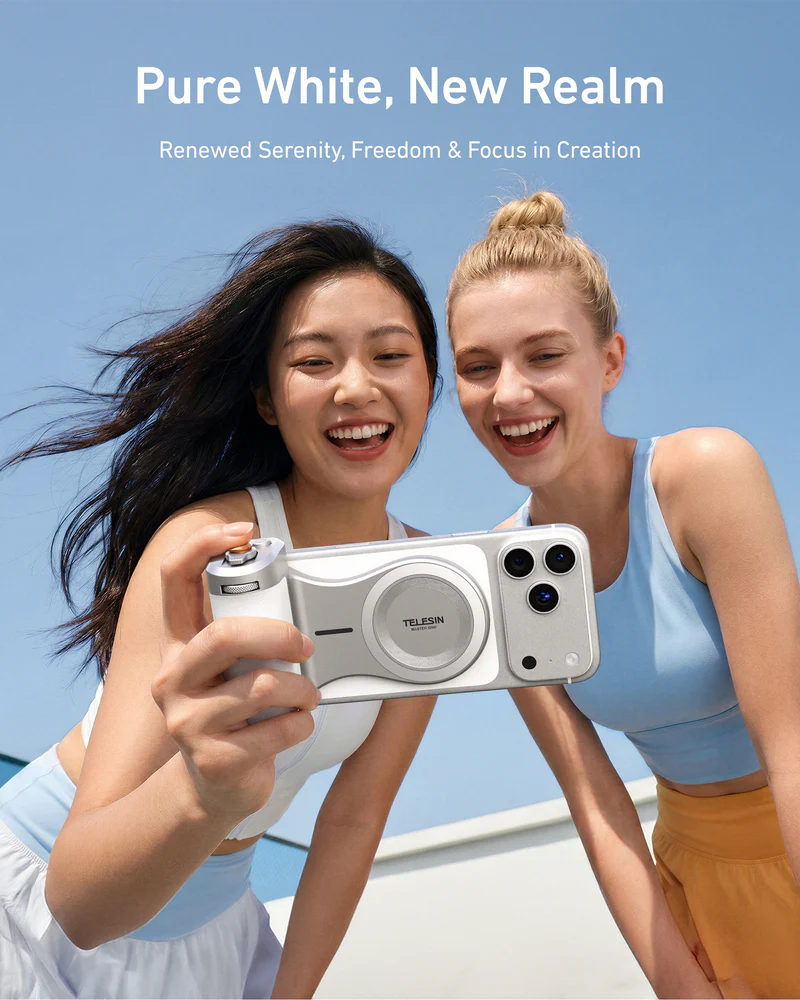
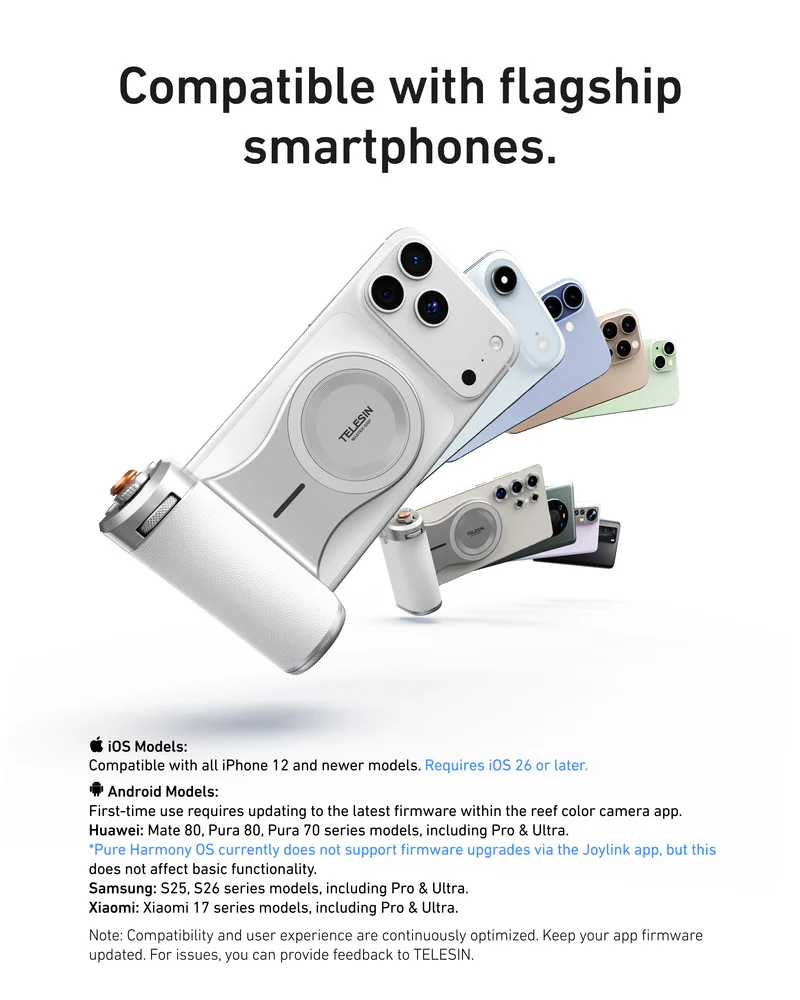
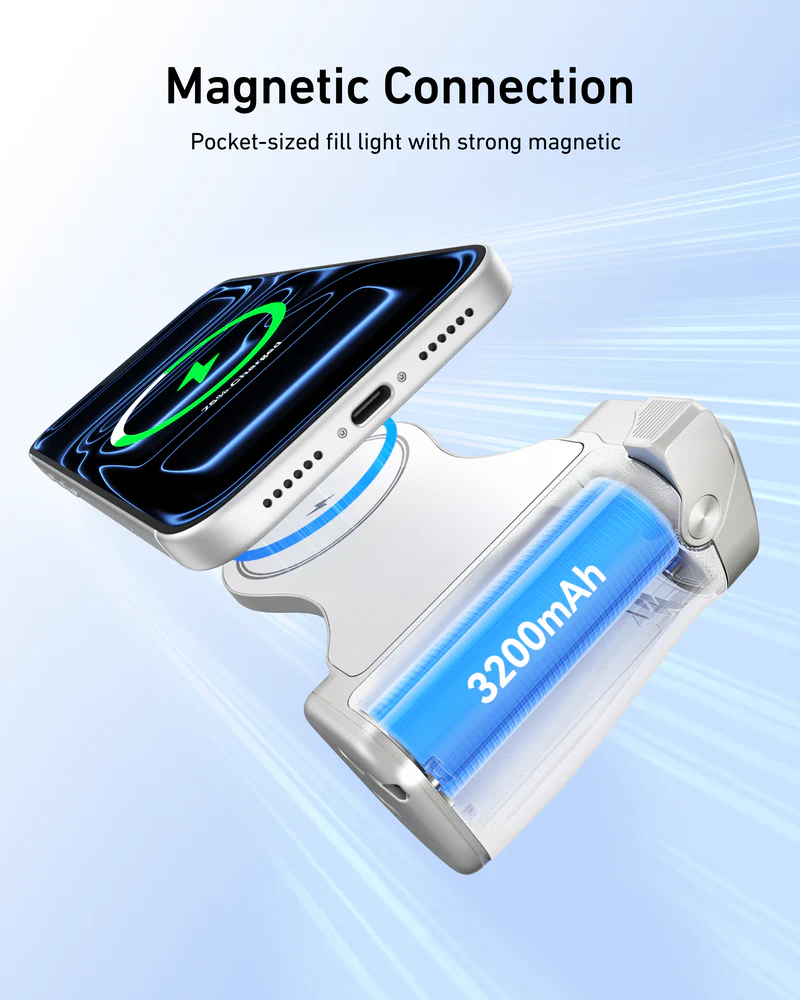
Magnetic Pro Shot Imaging Camera Grip is TELESIN’s 2026 flagship phone grip for iPhone creators. It’s a magnetic phone camera grip that snaps onto MagSafe iPhones (iPhone 12 or later, iOS 26 only) and turns your phone into a pro-feeling camera, with a comfortable grip, physical shutter controls, a precision dial and a long-lasting 3200mAh battery.
This magnetic phone camera grip is built for people who treat their iPhone as a serious camera – not just a casual snapshot device. With the Reef Color App and AI Master Filters, this mobile phone camera grip gives you finished looks straight out of camera, so your iPhone can handle real content creation without a heavy editing workflow.
Built for creators who live on their phone camera
Magnetic Pro Shot Imaging Grip is designed for creators who rely on a phone grip camera setup every day:
- Mobile vloggers and YouTubers who need a stable, one-handed phone grip for walking shots and talking-head clips.
- Street and travel photographers who shoot for hours and want a comfortable, secure phone camera grip.
- Solo creators, live streamers, and short-form video makers who need quick access to Zoom, exposure, and filters without digging through touch menus.
If you regularly film trips, daily life, or street stories with your iPhone, this phone grip is made to become your default shooting handle.
Pro-style controls in a magnetic phone grip
Instead of tapping a slippery screen, this phone grip camera setup gives you real camera-style controls:
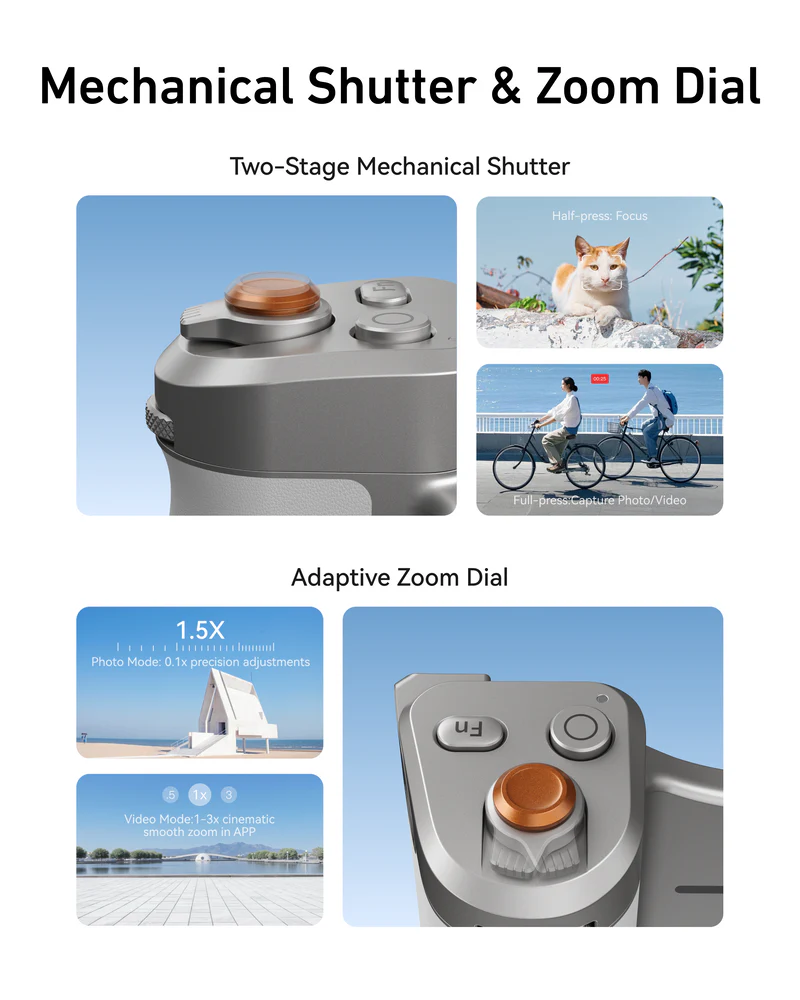
- Two-stage mechanical shutter – half-press to focus, full-press to capture photo or start/stop video, just like a classic camera.
- Adaptive control dial – in the Reef Color App, assign the dial to zoom, filter intensity, EV, shutter speed, ISO, white balance and more. Each 5° step gives a precise ~1% change, so every click on your phone grip feels meaningful.
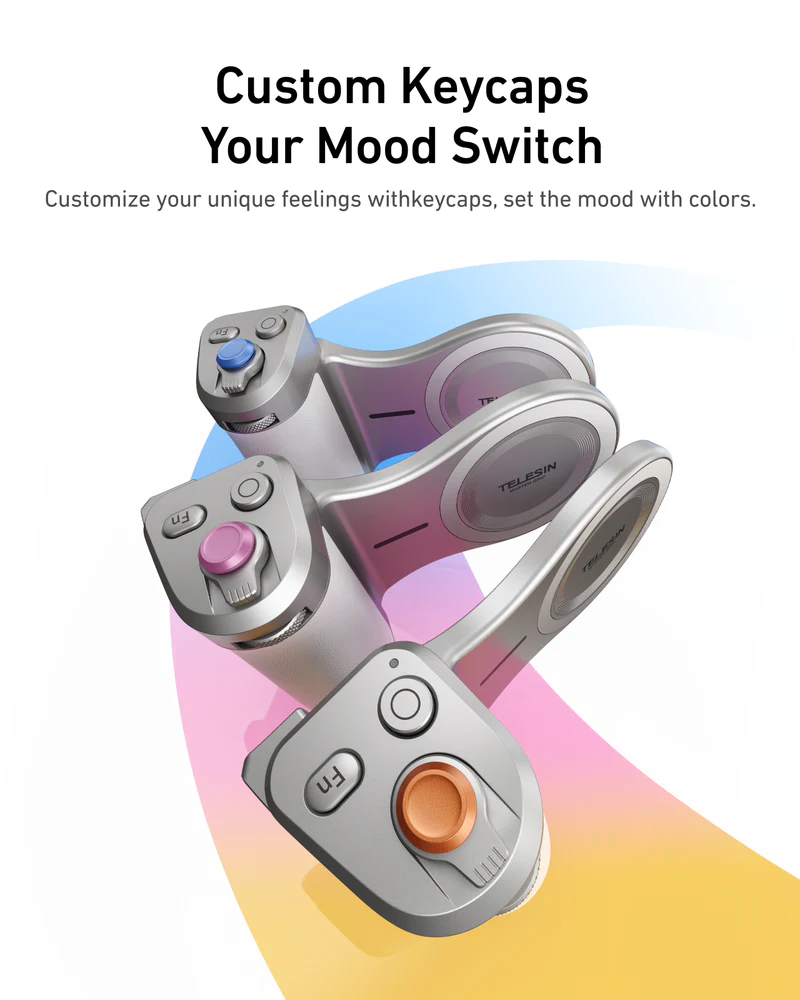
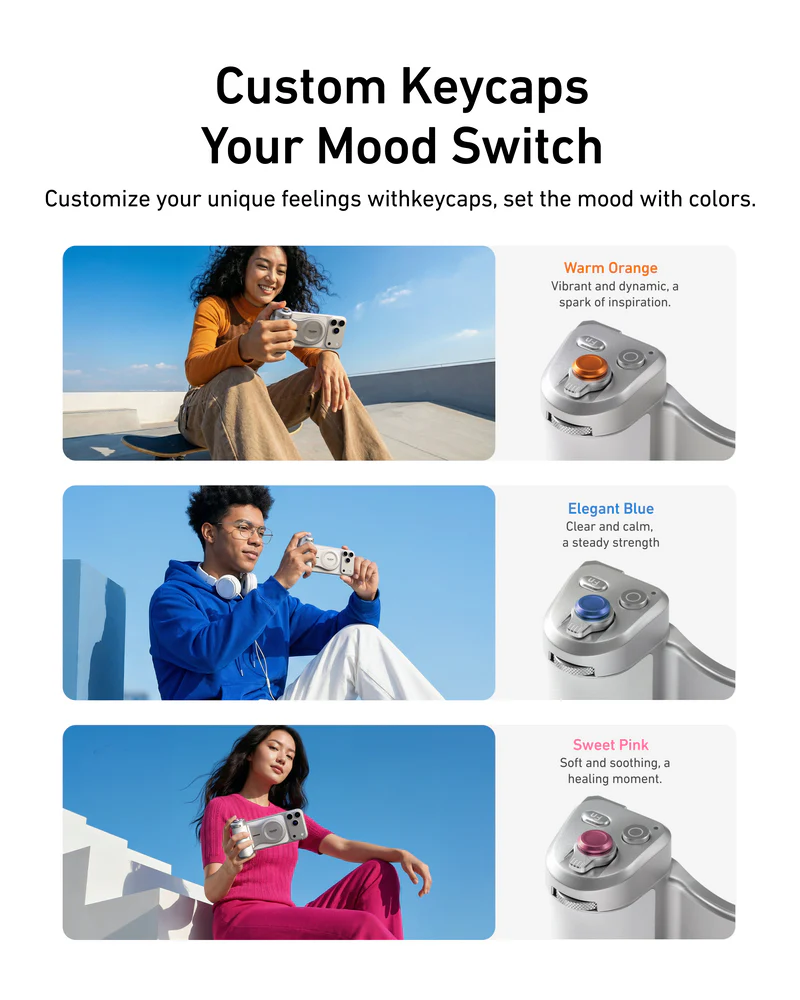
- Custom Fn keys – map your most-used functions to three customizable buttons, tuned to your shooting style.
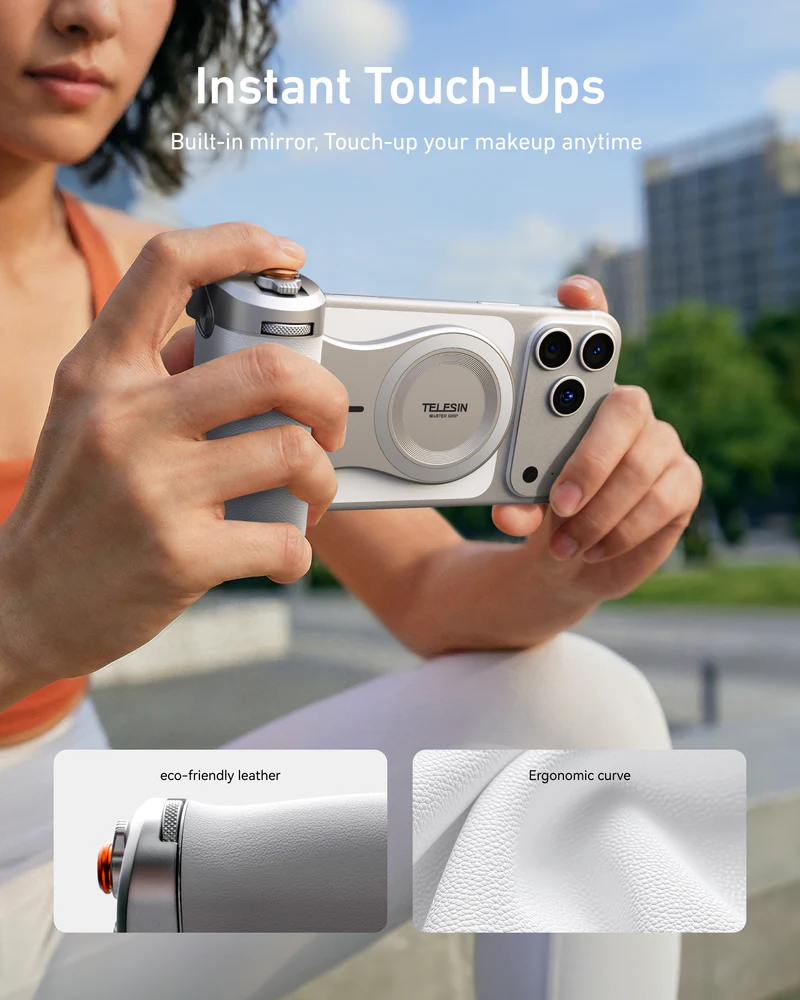
You hold your iPhone like a real camera, keep your finger on the shutter and dial, and stay focused on the scene – not fighting on-screen sliders.